

Best-Selling HP DesignJet MFP Plotters for Malaysia's Architects and Engineers
All-in-One Scan, Print & Copy Solutions. Integrated capabilities for architects, engineers, and construction teams requiring comprehensive document management.
Supporting Malaysia's Go Green Digital Transformation: Malaysian authorities are encouraging soft copy submissions to minimize paper waste. HP MFP solutions enable efficient digitization, cutting ink/paper waste while meeting requirements for DBKL, JKR, and local authorities.
HP DesignJet MFP Plotters
Browse our complete range of HP DesignJet multifunction plotters for Malaysian AEC professionals.
Multifunction plotters (MFP)
Print, scan and copy drawings in one machine, from A1 to production A0.
-
T-series · A0 · MFP
HP DesignJet T950 36in MFP
A0 print, scan and copy at up to 120 A1 per hour, with a stacker for sets.
Price on request -
T-series · A0 · MFP
HP DesignJet T850 36in MFP
Print, scan and copy A0 drawings, with water-resistant HP Flex Tech inks.
Price on request -
T-series · A0 · Dual-roll MFP
HP DesignJet T2600dr PS Plus MFP
Dual-roll A0 MFP for busy AEC firms: 180 A1 per hour, scans up to 600 dpi.
- Regular price
- RM 49,800.00
- Sale price
- RM 49,800.00
- Regular price
-
RM 51,910.00
-
T-series · A0 · MFP
HP DesignJet T2600 PS Plus MFP
A0 print, scan and copy with a 15.6-inch touchscreen; up to 180 A1 per hour.
Price on request -
T-series · A1 · MFP
HP DesignJet T830 24in MFP
Prints, scans and copies A1 drawings in one compact unit; scans up to 600 dpi.
- Regular price
- RM 14,000.00
- Sale price
- RM 14,000.00
- Regular price
-
RM 0.00


Selection Guide
The T830 24in is the compact choice for A1 drawings. The T850 MFP prints and scans A0 with water-resistant HP Flex Tech inks, and the T950 MFP is faster, at up to 120 A1 pages an hour, for busy offices. The T2600 and T2600dr PostScript models print up to 180 A1 pages an hour and suit large firms and print rooms.
Within Greater KL and the Klang Valley, we deliver, install and set up the plotter, connect it to your office network, train your operators and run test prints and scans, at no charge. A surcharge may apply elsewhere in Malaysia. You can extend the warranty with an HP Care Pack, and the T2600 comes with a three-year warranty with an HP Care Pack bundled.
Wipe the scanner glass and rollers with a lint-free cloth regularly, and more often in dusty site offices. Flatten curled or torn originals and remove staples before scanning. Run the scanner calibration from the front panel when scans show lines or uneven colour. If lines remain after cleaning and calibration, our engineers can inspect the scanner onsite.
All-in-One Productivity
Why Choose MFP?
Integrated scanning and copying streamline workflows. Digitize legacy drawings, enable scan-to-email/cloud collaboration, and reduce equipment footprint with a single device.
Click to explore features, applications, and available models.
Integrated MFP Capabilities
UP TO A0. Scan old blueprints and vellum tracings. Convert physical archives into searchable digital files for preservation.
CLOUD READY. Share drawings instantly via Dropbox, Google Drive, or OneDrive.
1-TOUCH COPY. Streamlines site documentation and RFI responses instantly. Perfect for copying marked-up drawings.
HIGH ROI. Eliminate separate scanners. One device saves costs and office space. Single maintenance contract.
Support Go Green initiatives. Enable soft copy submissions to DBKL, JKR, minimizing physical prints and storage.
Build searchable digital archives. Scan directly to network folders. Create PDF files with OCR for text searchability.
Why Choose MFP?
It scans and copies large drawings as well as printing them. You can copy a marked-up A1 or A0 drawing in one step, scan old paper plans to PDF for your archive, and send scans to email, a network folder or the cloud from the touchscreen. For firms that handle paper drawings, it replaces a separate wide-format scanner and trips to a print shop.
Yes. Scanning signed or marked-up drawings to PDF gives you a digital record, lets you share files by email and send soft copies where authorities accept them, instead of printing extra sets. A scanned archive also saves the space and time needed to store and search paper drawings, and it protects old plans from damage and loss.
Taking the T830 as an example, it scans colour and greyscale originals across its full width at up to 600 dpi, saves to PDF, JPEG or TIFF, and sends scans to email, USB, a network folder, a computer or the cloud through the HP Smart app. Copies can be resized from 50 to 400%. Larger models scan faster; see each product page for its figures.
MFP Plotter Applications

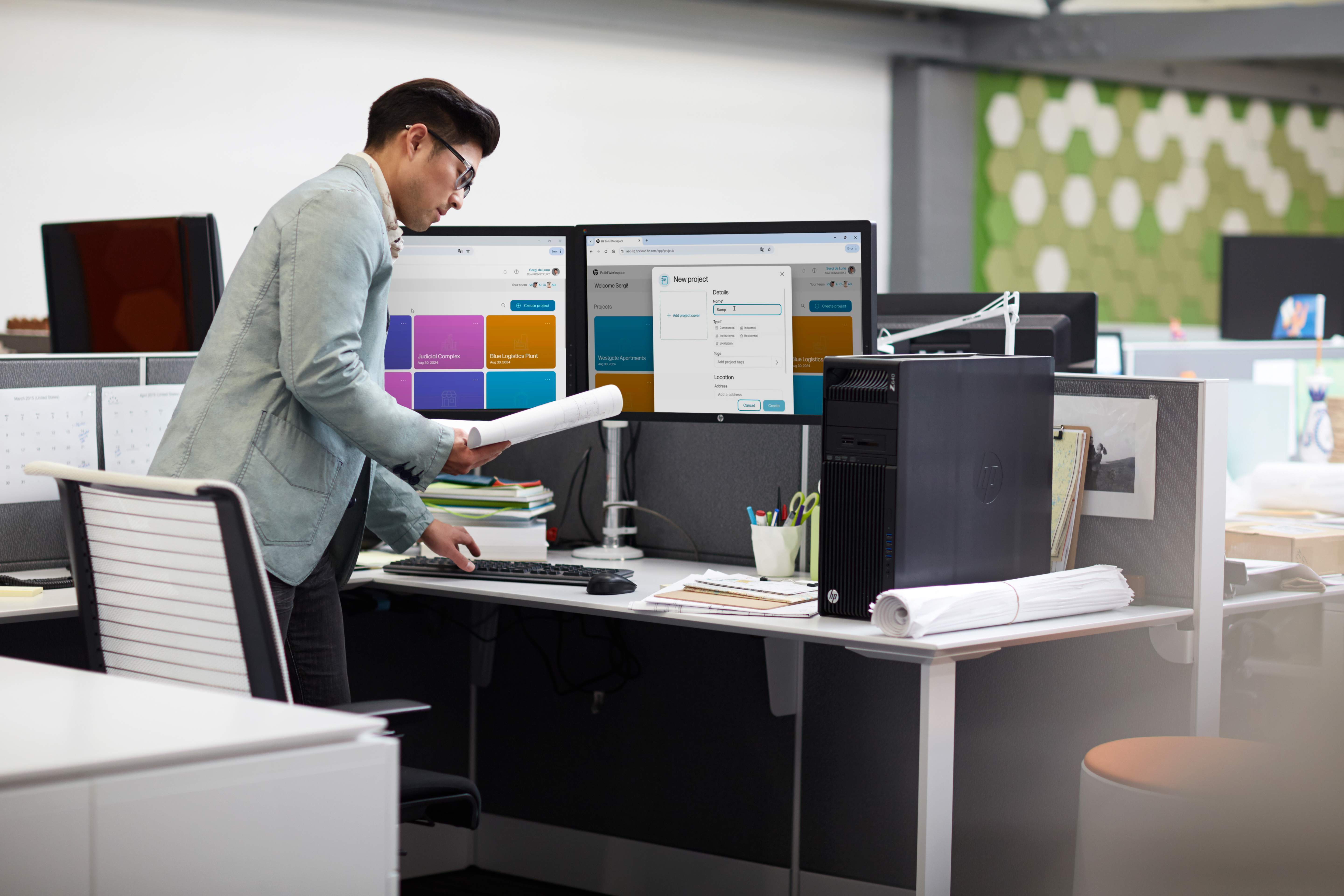
Industry Use Cases
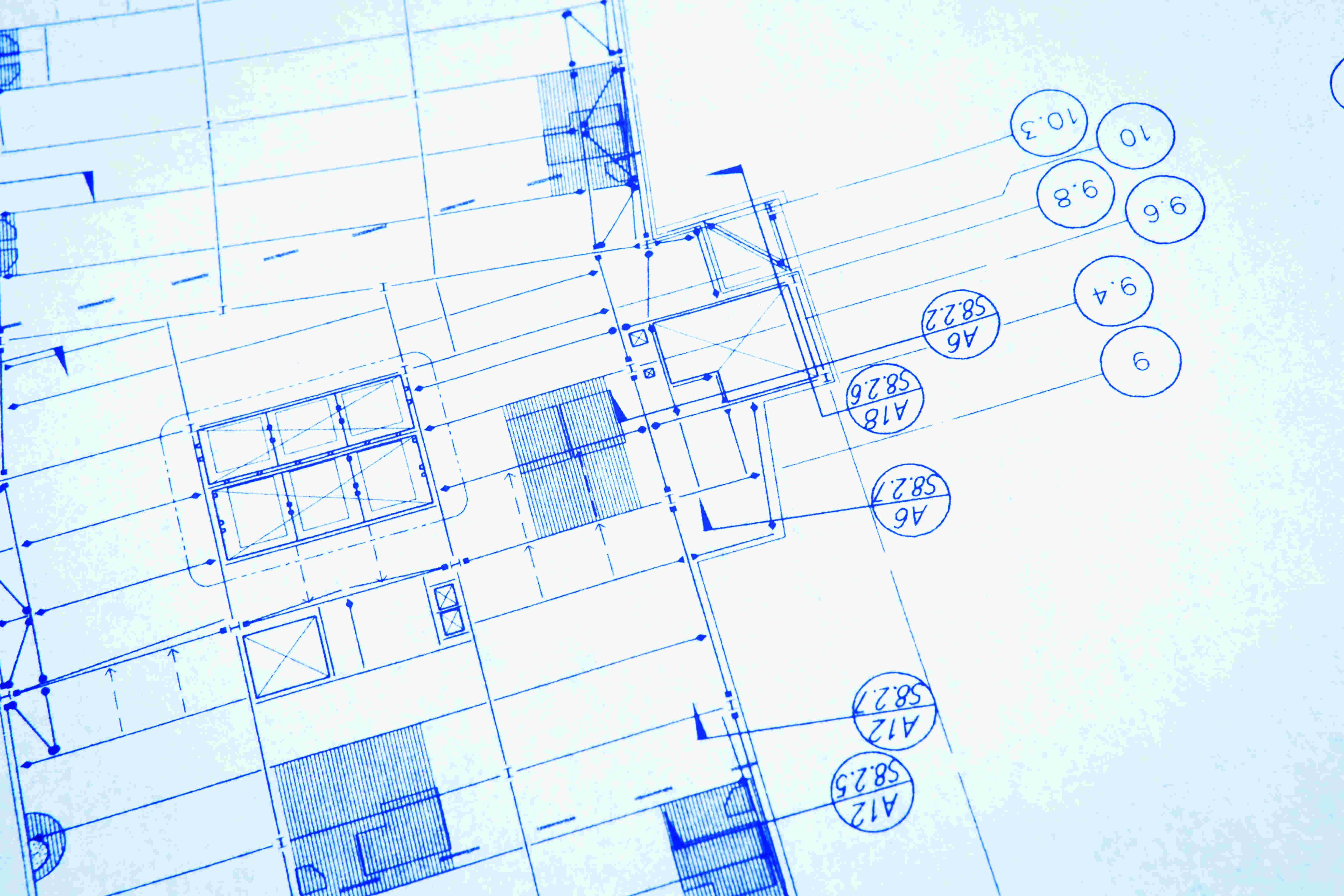
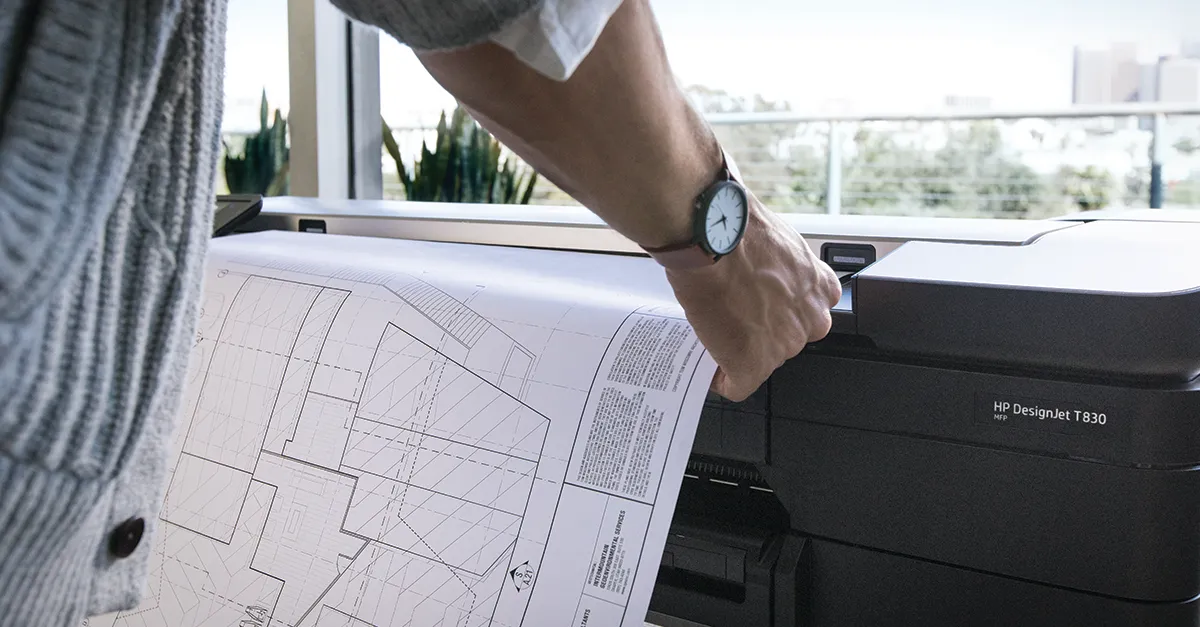
Digitize historical archives, scan consultant drawings, copy markups, build digital libraries. Essential for paperless transition.
Scan site drawings for coordination, copy contractor shop drawings, digitize as-builts. Streamlines collaboration.
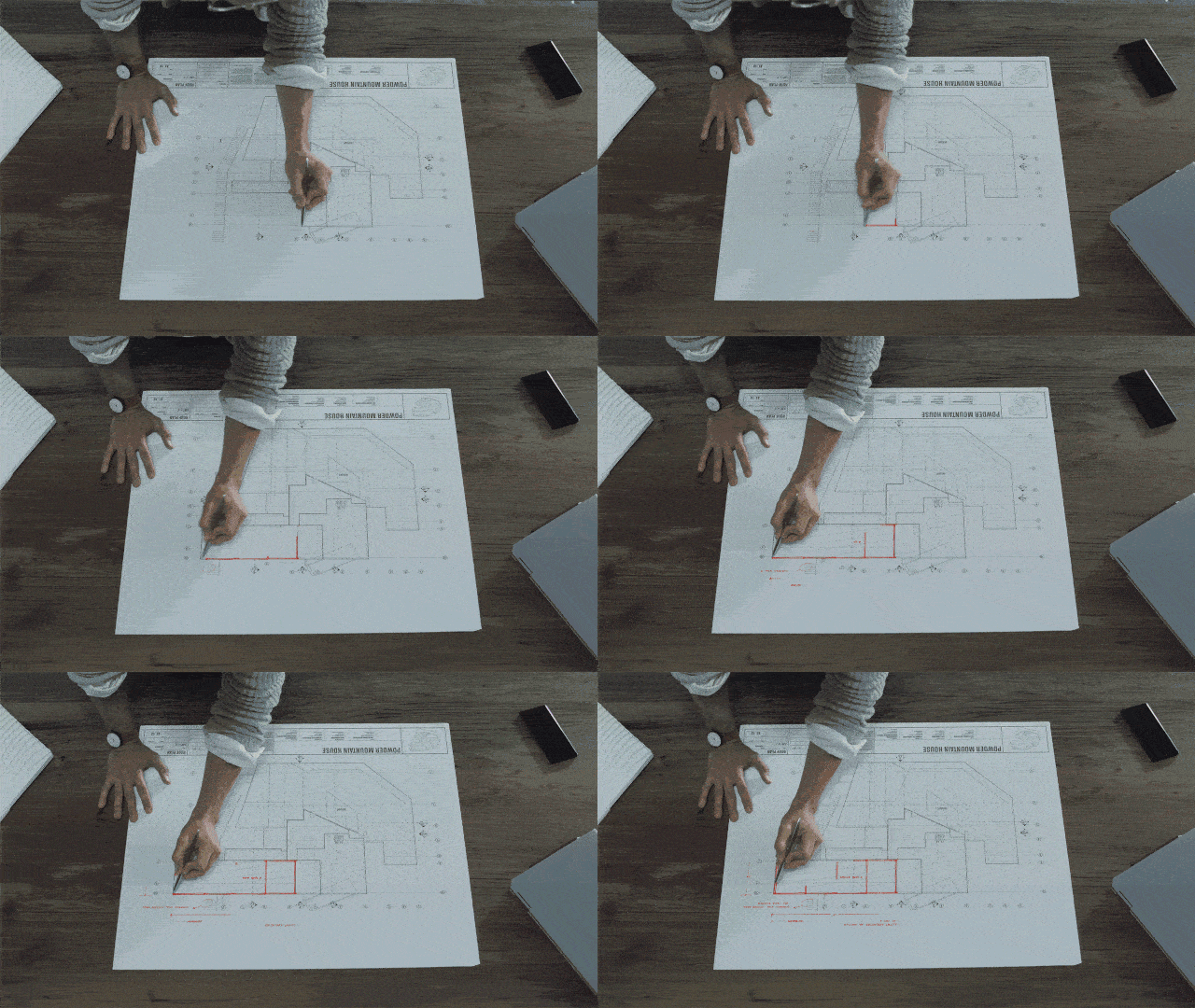
Copy marked-up drawings at site, scan RFI docs to email, digitize signed shop drawings. Complete management for site offices.
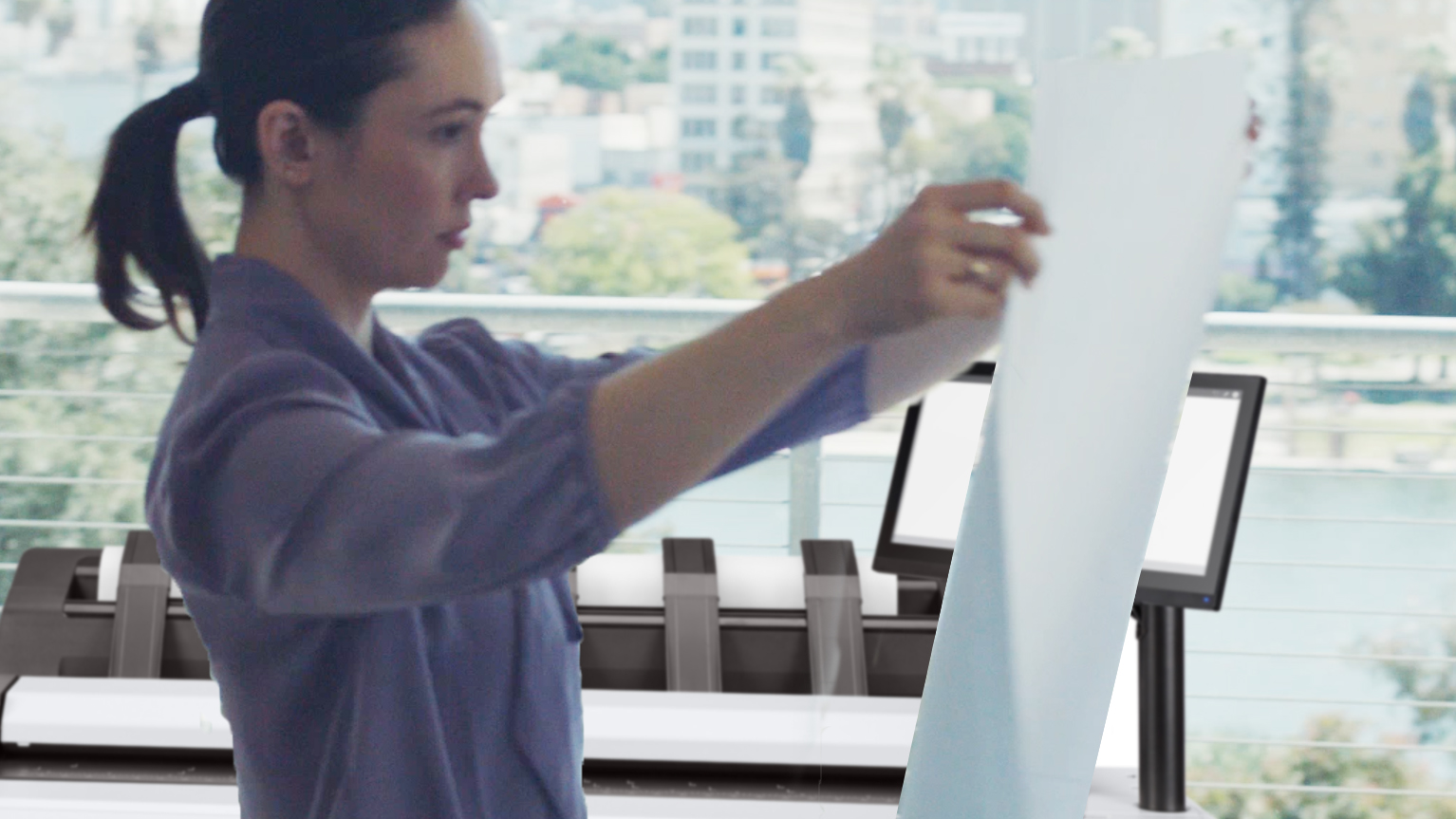
Digitize infrastructure archives, scan submissions for digital approval, build searchable records. Critical for managing vast archives.
Video Tutorials & Resources
Scanner setup, calibration, scan-to-email config, cloud integration, network folder setup. Essential for new operators.
Preparing drawings, optimal resolution, file naming, OCR usage, digital archive organization.
Glass cleaning, sheet feeder maintenance, scan quality optimization, preventive schedules.