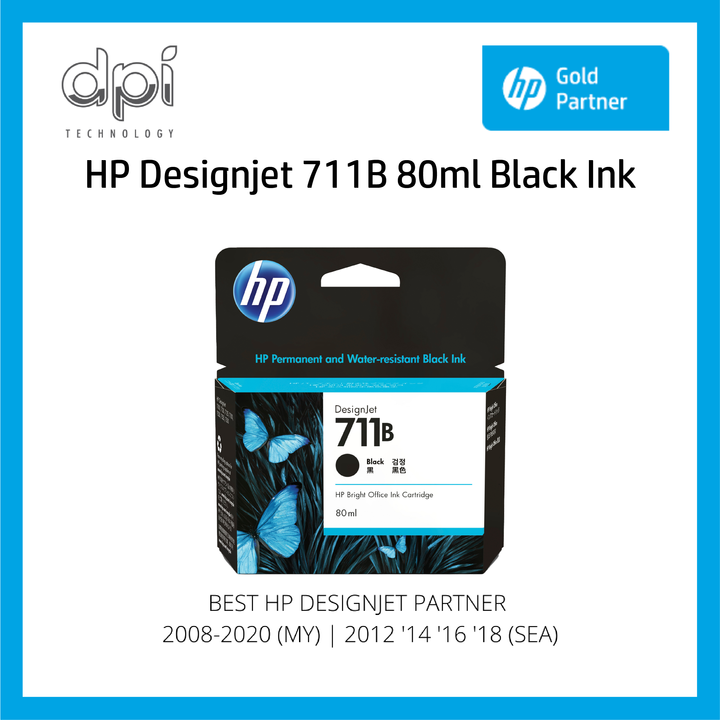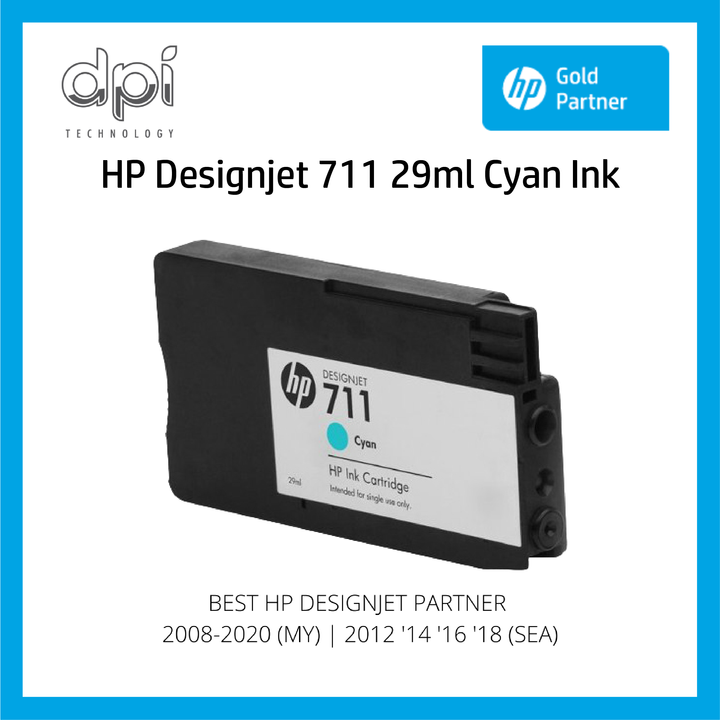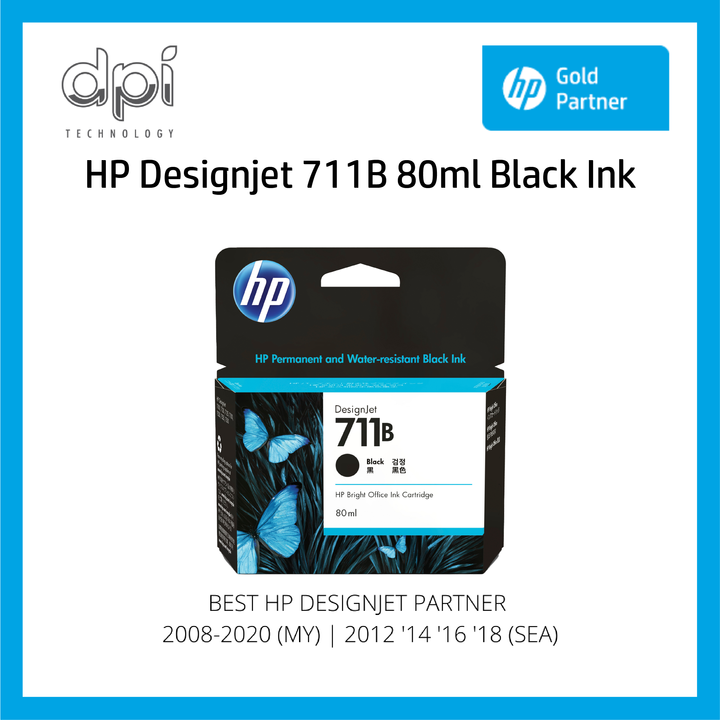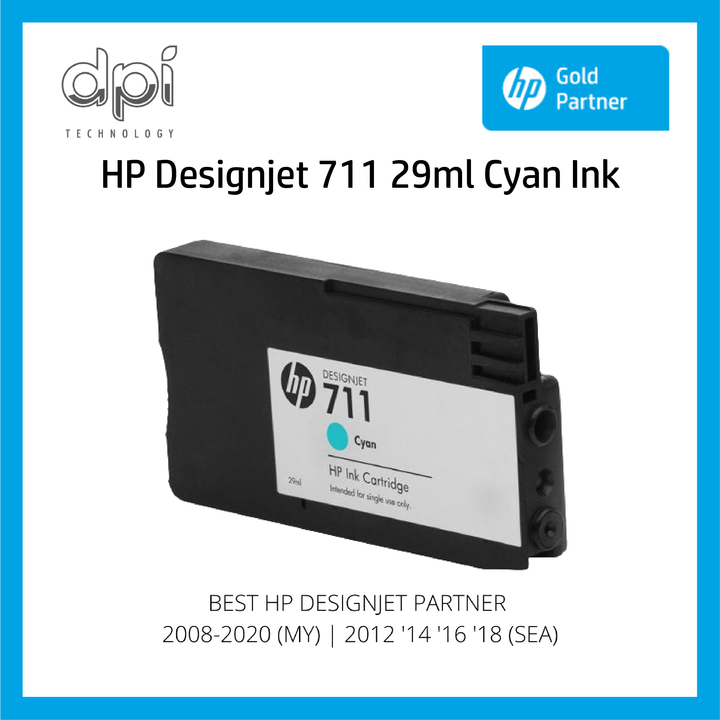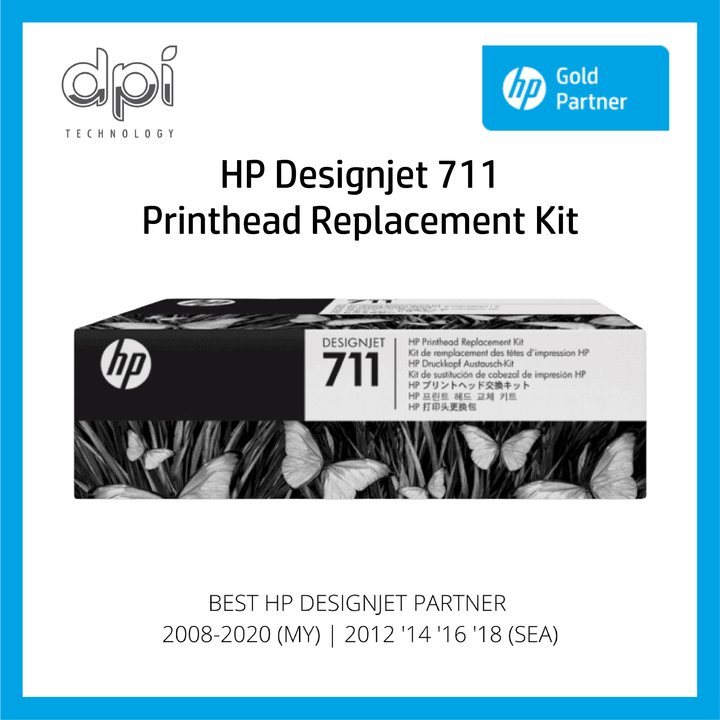

Genuine HP DesignJet 711 Ink & Printheads
Reliable Performance for HP DesignJet T120, T130, T520, and T530. Enjoy vibrant colors, sharp lines, and consistent results project after project.
Essential Supplies for T-Series Plotters
What is HP DesignJet 711 Ink?
Genuine HP ink supplies formulated specifically for HP DesignJet T-Series plotters. These professional-grade cartridges deliver exceptional print quality and consistent color accuracy for Malaysian AEC professionals.
Click to explore products, features, and compatibility details.
Available HP DesignJet 711 Cartridges
Browse our complete range of genuine HP 711 ink cartridges and printheads for DesignJet T120, T130, T520, and T530 plotters.
Features & Benefits
Experience exceptional color accuracy ideal for architectural renderings. Advanced formulation ensures consistent reproduction across all print jobs.
Achieve razor-sharp lines and crisp text essential for CAD drawings. Precise droplet placement ensures accuracy down to the finest detail.
Prints resist fading and environmental exposure. Archival-quality output ensures documents remain legible throughout project lifecycles.
Simple plug-and-play installation with smart chip technology. Genuine HP inks ensure professional standards and minimize downtime.
Why Choose Genuine HP?
Genuine HP 711 inks are tested to work with HP printheads. Compatible inks may save money upfront but often cause clogging, inconsistent colors, and printer damage.
Available in 29ml and 38ml. For typical AEC use, a standard cartridge produces approx. 38 A1/D-size prints at 5% coverage.
Replace printheads when quality degrades or streaking occurs. Using genuine ink significantly extends printhead life.
Compatible HP DesignJet Printers
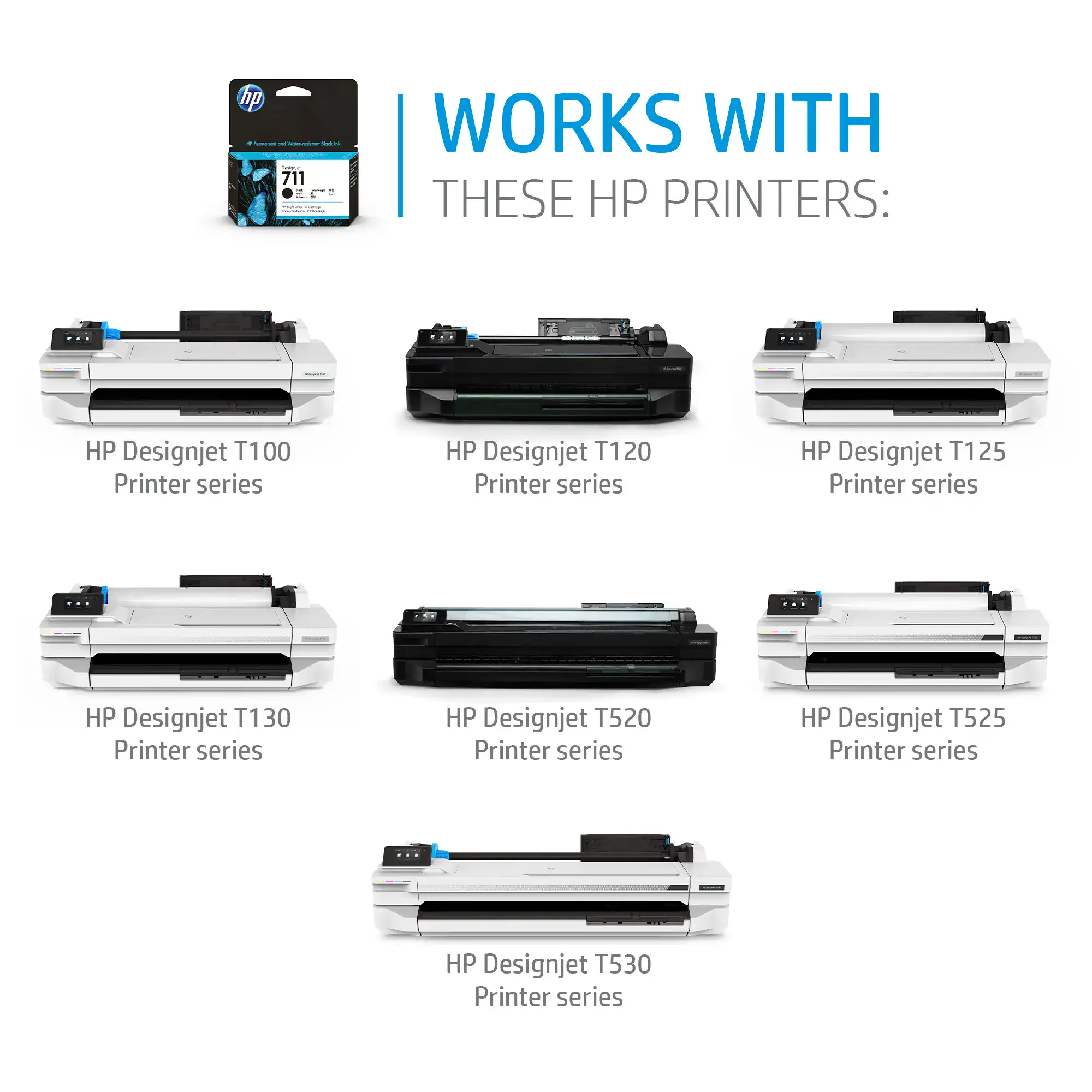
T100 Series • T120 • T125 • T130 • T520 • T525 • T530
Model Details
Compact 24-inch plotters for small offices. T130 adds wireless/mobile printing. Perfect for A1/D-size technical drawings.
Professional plotters offering fast speeds and high quality. Ideal for construction documents and blueprints up to A0/E-size.
Advanced model with cloud connectivity and touchscreen. Seamless integration with modern mobile and cloud workflows.
Product Highlights
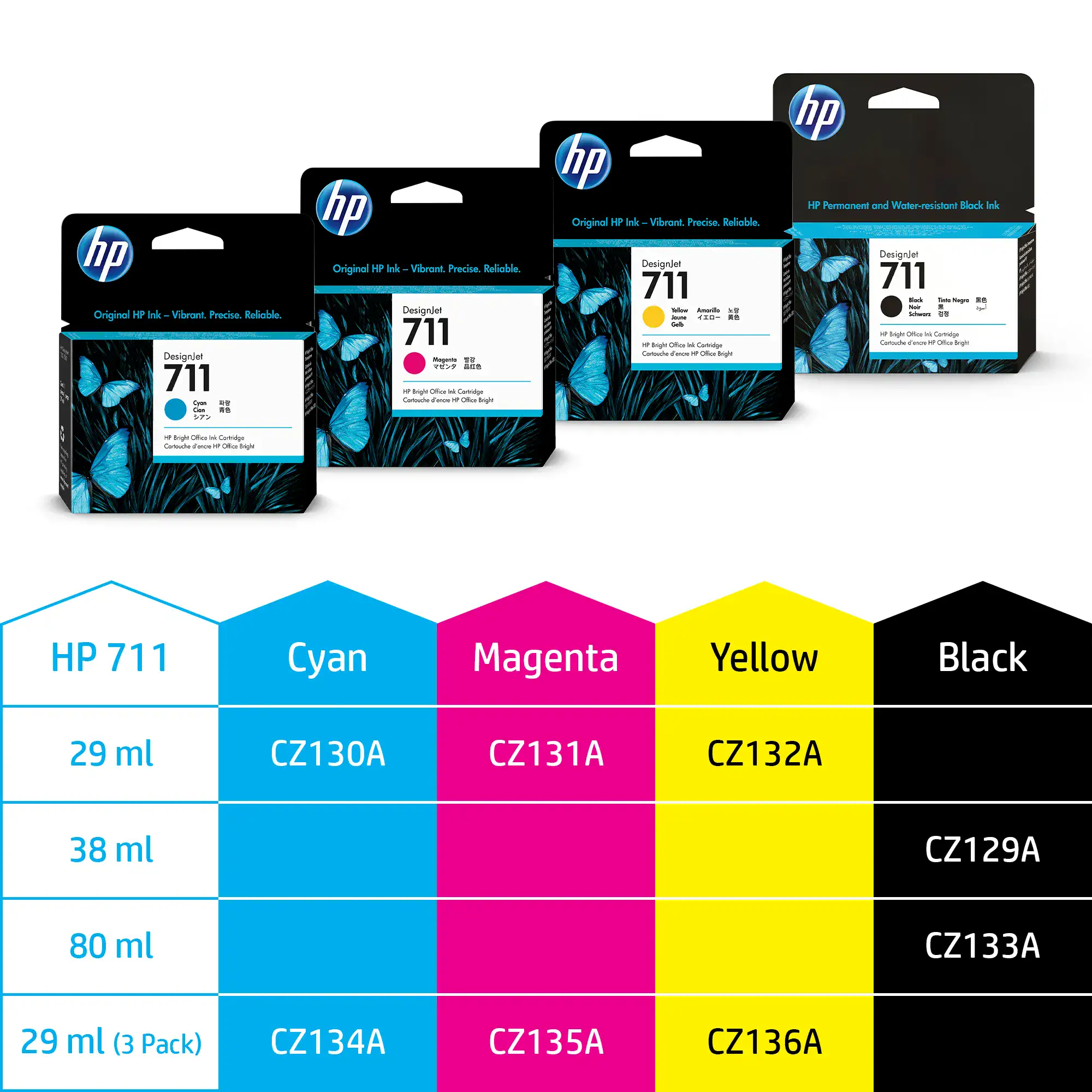
Complete color range in 29ml, 38ml, and 80ml (Black). Cyan (CZ130A), Magenta (CZ131A), Yellow (CZ132A), Black (CZ129A/CZ133A).
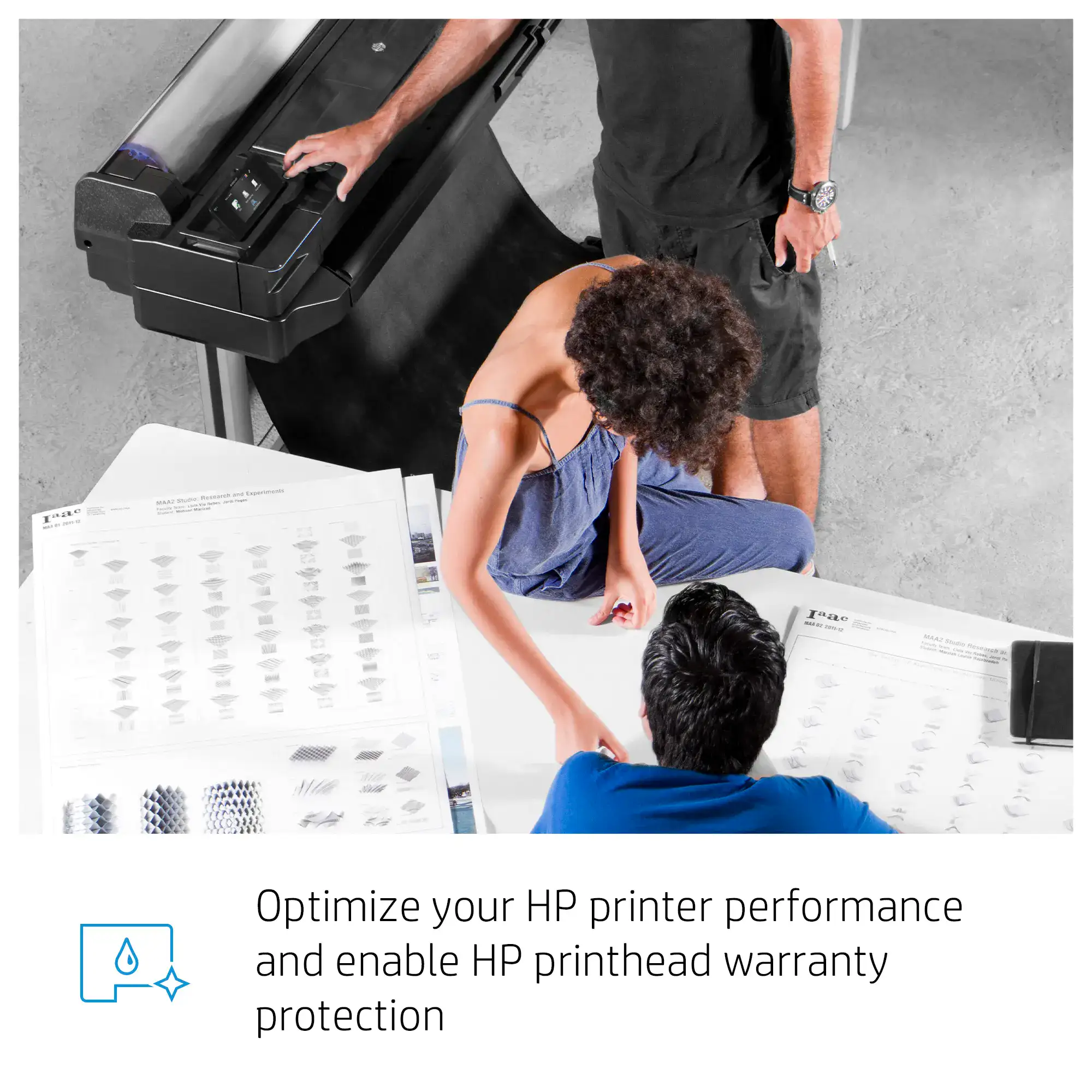
Optimize performance and enable HP printhead warranty protection. Genuine inks protect your investment.
Support Resources
Remove old cartridge, unpack new one, insert firmly until click. Wait for smart chip recognition.
Faded colors? Run cleaning cycle. Streaking? Align printheads. Not recognized? Reinstall cartridge.
Store in cool/dry place. Don't unpack until use. Run regular cleaning cycles. Replace low ink promptly.
Order Genuine HP 711 Ink Today
Contact our HP DesignJet specialists to order genuine HP 711 ink cartridges and printheads for your T120, T130, T520, or T530 plotter.
Get a Quote Now