

HP DesignJet A1 Plotters: Professional 24-inch CAD Printing
The Malaysian standard for AEC professionals. Compact, efficient, and precise printing for architectural plans and engineering drawings across Malaysia.
HP DesignJet A1 Plotters
Browse our complete range of 24-inch HP DesignJet A1 plotters for Malaysian AEC professionals.
A1 plotters (24-inch)
Compact plotters for A1 and A3 drawings, from desk-size entry models to print, scan and copy.
-
T-series · A1
HP DesignJet T870 24in
About 21 seconds per A1, A4 to A1 from one tray, with water-resistant HP 738 inks.
Price on request -
T-series · A1 · Entry
HP DesignJet T250 24in
Desk-size A1 plotter: about 30 seconds per A1, with Wi-Fi, Ethernet and USB.
- Regular price
- RM 4,980.00
- Sale price
- RM 4,980.00
- Regular price
-
RM 6,395.00
-
T-series · A1
HP DesignJet T650 24in
Compact A1 plotter with stand and A4/A3 sheet feeder; about 26 seconds per A1.
- Regular price
- RM 6,880.00
- Sale price
- RM 6,880.00
- Regular price
-
RM 8,570.00
-
T-series · A1 · MFP
HP DesignJet T830 24in MFP
Prints, scans and copies A1 drawings in one compact unit; scans up to 600 dpi.
- Regular price
- RM 14,000.00
- Sale price
- RM 14,000.00
- Regular price
-
RM 0.00


Model Selection Guide
Entry (T250/T120): Small offices, basic needs. Professional (T650/T520): Medium firms, enhanced speed. Advanced (T830/T530): Multifunction scanning/copying.
Single-Function: Print only. Affordable. MFP: Print, Scan, Copy. Essential for digitizing old drawings and workflow management.
Free delivery and professional installation in Peninsular Malaysia. Includes setup, software installation, training, and test prints.
The AEC Standard
Why Choose A1 Plotters?
A1 (24-inch) is the perfect balance between detail visibility and portability. Our HP DesignJet models offer fast speeds, compact footprints, and compatibility with Malaysian authority standards (DBKL, JKR, PWD).
Click to explore features, applications, and available models.
Compact & Efficient Features
594mm x 841mm. Displays complete floor plans and MEP drawings with optimal clarity. Standard for construction documentation.
30 SEC / A1. Meet tight construction deadlines for tender submissions. Speed without compromising quality.
PORTABLE. A1 drawings fit standard tubes. Essential for engineers traveling between multiple project locations.
LOW OPEX. Lower equipment cost and smaller footprint than A0. Consumes less ink/paper. Perfect for SMEs.
Accepted by DBKL, JKR, PWD. Recognized format for official construction documentation in Malaysia.
Compact 24-inch footprint fits easily into small site offices and cabins. Perfect for limited office space.
Clear annotations, easy handling during site coordination meetings. Optimal for client review.
Easy PDF printing. Just drag, drop, and print standard A1 sizes without scaling errors.
Why A1 is Malaysia's Standard
Perfect balance of detail visibility and portability. Standard for contractors, consultants, and government authorities like DBKL/JKR.
A1 costs less, uses less ink/space, and is easier to handle on-site. Meets 90% of daily printing needs unless very large scale projects require A0.
Simplifies printing by auto-detecting A1 size. Drag-and-drop PDF printing, batch processing, no manual scaling errors.
A1 Plotter Applications



Industry Use Cases
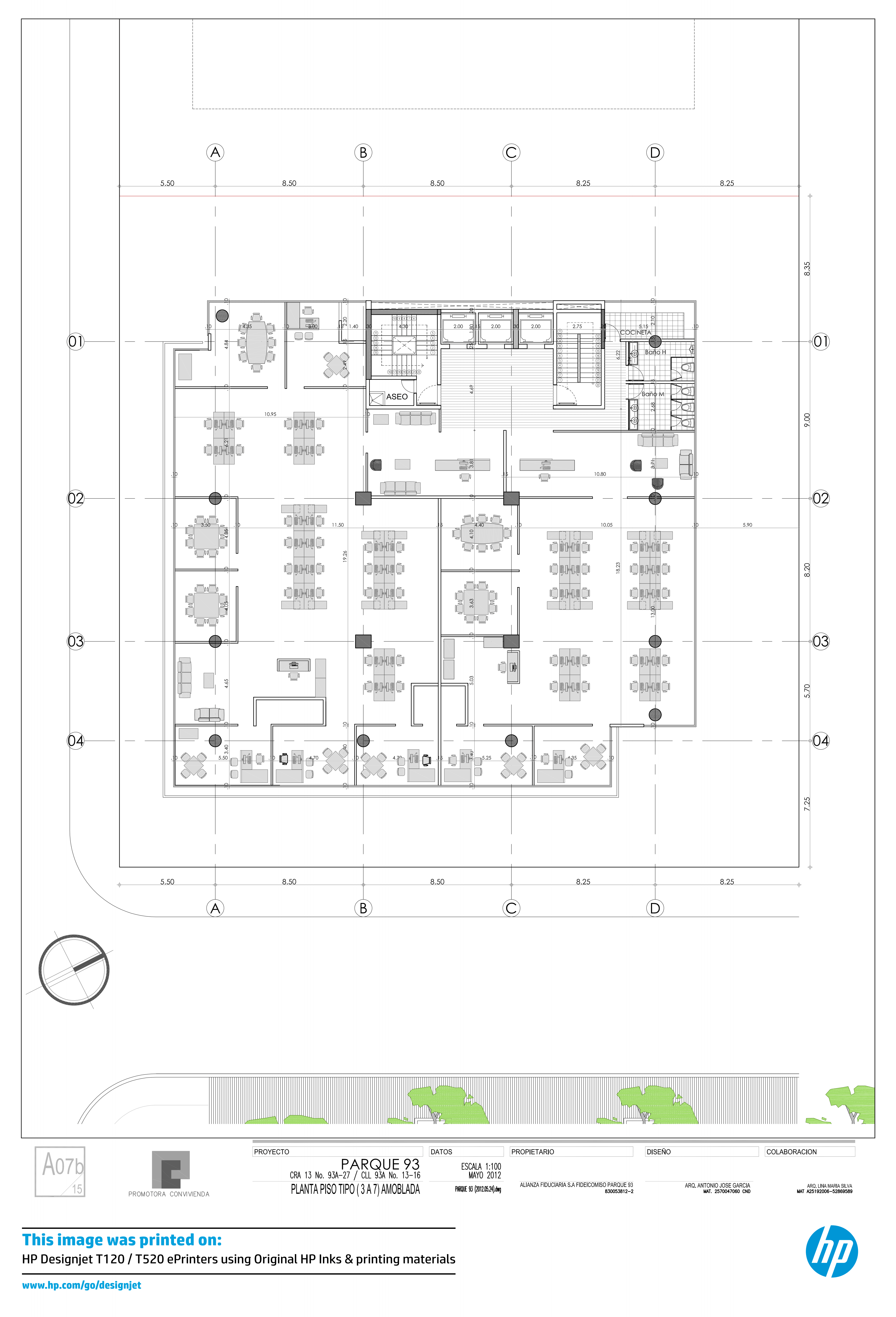
Floor plans, elevations, sections. Compact size perfect for client presentations and authority submissions (DBKL). Portable for site meetings.
Structural layouts, MEP plans. Perfect for tender documentation and as-built drawings. Cost-effective for high-volume daily printing.
Working drawings, shop drawings, site layouts. Fits in site offices/cabins. Easy transport between sites for coordination meetings.
Infrastructure drawings, public works. Standardized A1 format simplifies management. Standard submission size for Malaysian authorities.
Video Tutorials & Resources
Setup, media loading, HP Click installation, basic settings, troubleshooting. Perfect for new users.
Print A1 directly from mobile devices via HP Smart app. Ideal for printing from construction sites or remote locations.
Batch printing, color management, paper selection, maintenance, workflow optimization.