

Case Study: HP DesignJet T2600PS Cutter Module Belt Replacement
The Challenge: Paper Cutting Malfunction
New Cenxxxx Broxxxxx Sdn Bhd, located at Pusat Perdagangan Puchong Prima, experienced issues with their HP DesignJet T2600PS 36-inch plotter's automatic cutting system. The cutter module, which is essential for precise paper trimming after printing, had malfunctioned.
For businesses that produce high-volume technical drawings and presentation materials, a non-functional cutter disrupts workflow and requires manual cutting—adding time and reducing precision. The client contacted DPI Technology support and our technical team dispatched technician to their facility.
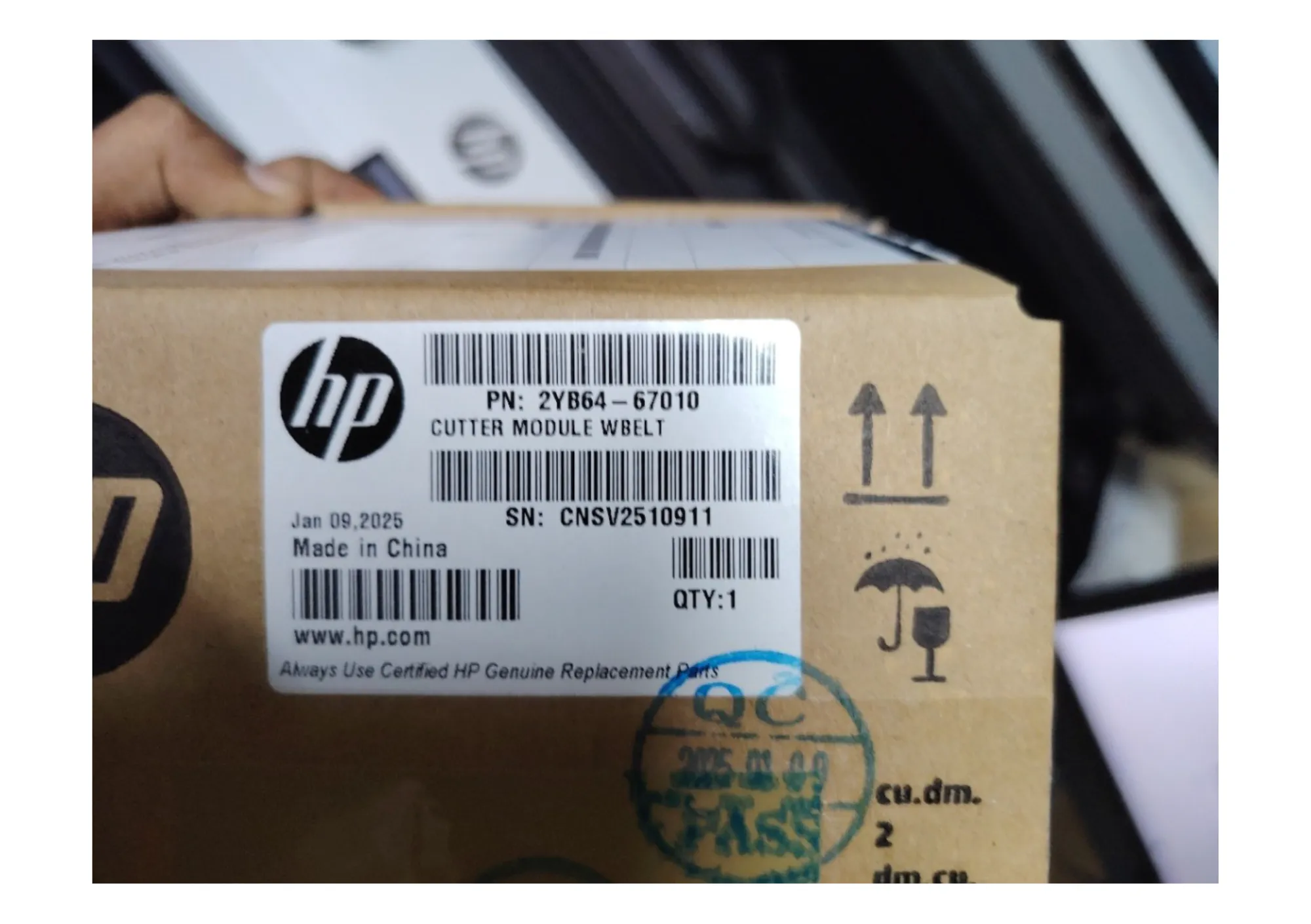
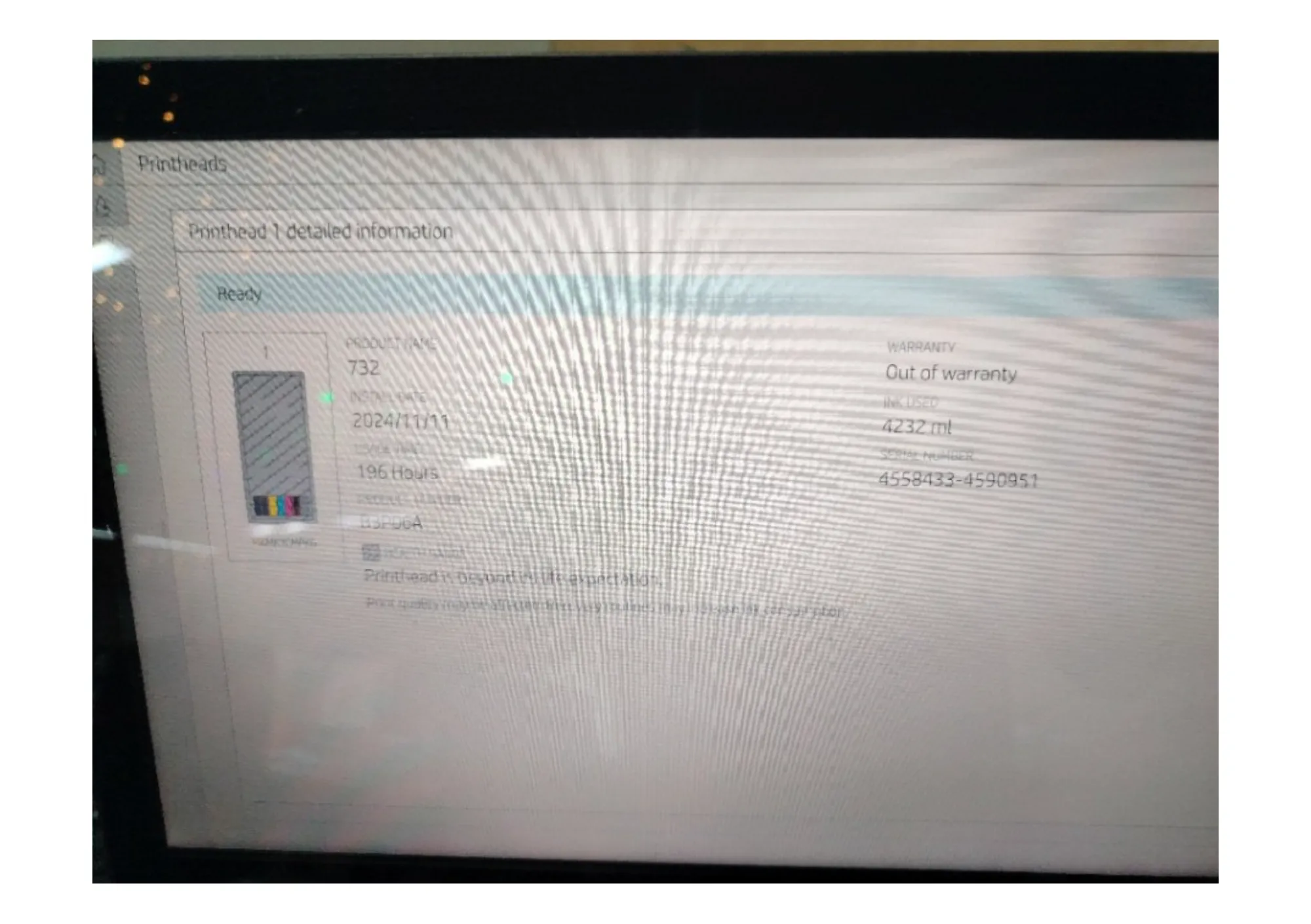
The Diagnosis: Cutter Module Belt Failure
Upon arrival in the morning, our technician performed a comprehensive diagnostic inspection of the cutting system and overall printer condition:
🔍 Primary Issue:
The Cutter Module Belt (2YB64-67010) had failed, preventing the automatic cutting mechanism from functioning properly. This belt drives the cutter blade across the media width.
✅ Additional System Check:
During the comprehensive inspection, he also evaluated the overall printer health:
- Printhead Status: Last replaced in 2024 with current usage at 4,232 prints—nozzle check showed healthy operation
- Service Station: Waste ink reservoir at 40% capacity—within normal operating range
- Preventive Advice: Client advised to monitor printhead for any color inconsistencies that may indicate future replacement needs
The Solution: Warranty Repair with System Optimization
Since this HP DesignJet T2600PS was under "In Warranty Service", the cutter module belt replacement was covered at no cost to the client.
DPI Technology's comprehensive service process:
- Diagnostic Inspection: Confirmed cutter module belt failure and assessed overall printer condition.
- Cutter Module Replacement: Installed new genuine HP cutter module belt (2YB64-67010).
- System Reset: Reset PMK2 counter (maintenance counter 3) to ensure accurate tracking of component usage.
- Full System Testing: Verified paper cutting precision and print quality across multiple test prints.
- Preventive Maintenance Check: Inspected printhead nozzles, checked service station levels, and provided maintenance recommendations.
The complete service was finished by early afternoon, restoring full automatic cutting functionality and ensuring optimal printer performance.
Why Choose DPI Technology?
At DPI Technology, we believe in delivering value beyond the immediate fix. Our experienced engineers don't just address the problem you report—they conduct thorough system evaluations to catch potential issues early, saving you from unexpected breakdowns and costly emergency repairs.
This comprehensive service philosophy ensures your equipment remains reliable and productive. When we service your printer, you're not just getting a quick fix—you're getting strategic maintenance insights that help you budget for future needs and keep your operations running smoothly year-round.
Need Support for Your HP DesignJet?
Get expert technical support from certified engineers
Related products
-
T-series · A0 · Dual-roll MFP
HP DesignJet T2600dr PS Plus MFP
Dual-roll A0 MFP for busy AEC firms: 180 A1 per hour, scans up to 600 dpi.
- Regular price
- RM 49,800.00
- Sale price
- RM 49,800.00
- Regular price
-
RM 51,910.00
-
T-series · A0 · MFP
HP DesignJet T2600 PS Plus MFP
A0 print, scan and copy with a 15.6-inch touchscreen; up to 180 A1 per hour.
Price on request

